
Frog Tie
By Lazarus Redmayne
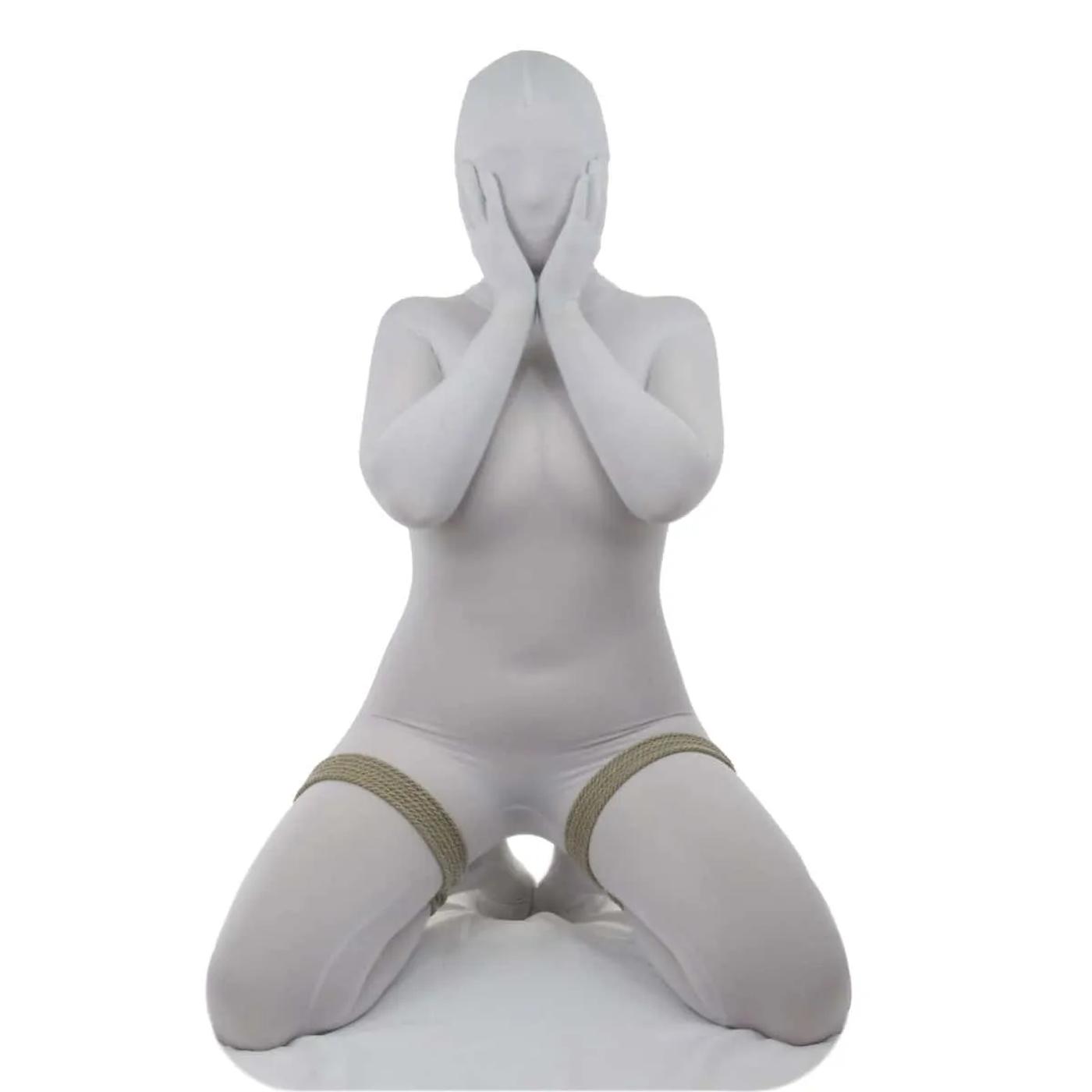
A frog tie is just a double column tie applied in such a way so as to tie the ankle to the thigh. Any of the double column ties will work for this, but this one is showing how to apply a lark's head double column to create a frog tie.
Risk Management and Safety
Because of the fact that the lark's head is a reverse tension single column that we are converting to a double column by using a cinch, the reverse quality of the lark's head allows you to tighten the limb down severely if you desire. Be sure to read the Risks unique to scenes involving rope and Nerves & Circulation pages (as well as the rest of the Planning & Risk Management pages). Make sure you are not impinging on blood vessels or nerves.
Rope Needed
For each leg, I used one 15' (~5m) piece of Natural 6mm provided by my affiliate Twisted Monk.
Check them out for some amazing hemp rope!
Prerequisites


Video
Pictures & Text
So this is basically a double-column tying ankle to thigh
You can do this just as easily with arms, etc., too…
Place the loop of a Lark's Head knot over the folded limb
Reverse tension
…wrapping it around the leg again.
Perhaps another time or two if you have enough rope
Until you have 18-24" of rope left
"Dress" the lines as you go so that they lay uniformly and have even tension
Reach through the bight and grab the tail
Pull through
Separate the strands
Run each strand around both sides of the cords
Just as is shown in the Larks Head Double Column tutorial...because that is basically all this is...
Bring the cords to the side of the leg that is going to be harder for your partner's hands to reach
Finish off with a square knot or surgeon's knot
One side done!
Do both sides, and you have the classic "Frog Tie"
Your partner is now pretty much left with two choices: Kneeling...
...or laying...
BTW, from this position, you can easily put them into an Accessible Hog Tie. Check it out!
Done!
Oh my! Now what?
Comments
Loading comments...
Sign in to leave a comment.